Use ParkPayRide to validate and pay for parking at participating Tri-Rail stations. The steps below will guide you through starting, managing, and extending your parking session as needed.
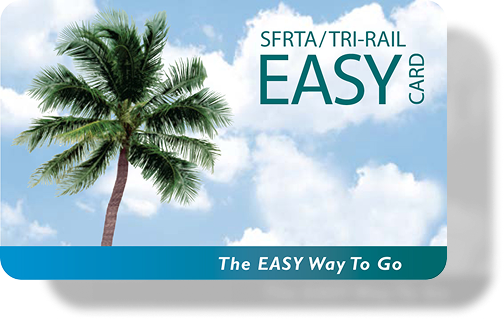
Tri-Rail commuters must register through the “Parking Registration” form with an EASY Card or the email of your SoFloGO account .
Upon successful registration, a monthly parking validation code will be provided that must be applied to each parking session to receive parking benefits at no charge for the first 12 hours. This code may be used once per day, per registered user.
To start a parking session, Download the Tri-Rail Parking App or use one of the following station links.
Important: Registering your vehicle does not automatically validate your parking. Each time you park at the station, you must Apply the current validation code and confirm the parking session. The validation code must be applied to every parking session to receive the parking benefit.
Commuters who park at the station and do not use the Tri-Rail service must pay in advance for the use of the parking facility and maintain an active parking session throughout the duration of time the vehicle is on property.
Overnight parking is permitted, and there is no time limit for leaving your vehicle if there is an active parking session covering the entire duration of your stay. Vehicle and payment details can be submitted through the “Tri-Rail Parking” app, or the corresponding station link.
(For Tri-Rail Commuters)
Commuters enjoy 12 hours of complimentary parking while using Tri-Rail services.
If you need more time, remember to extend your parking session at the regular daily rate. $2/hr , $12 daily max , $125 monthly permit. *Special event rates may apply as posted. *